How to Choose a Wish List App for Group Gifting
Compare wish list app features such as privacy, sharing, reserving gifts, and avoiding duplicate purchases.
How to Choose a Wish List App for Group Gifting
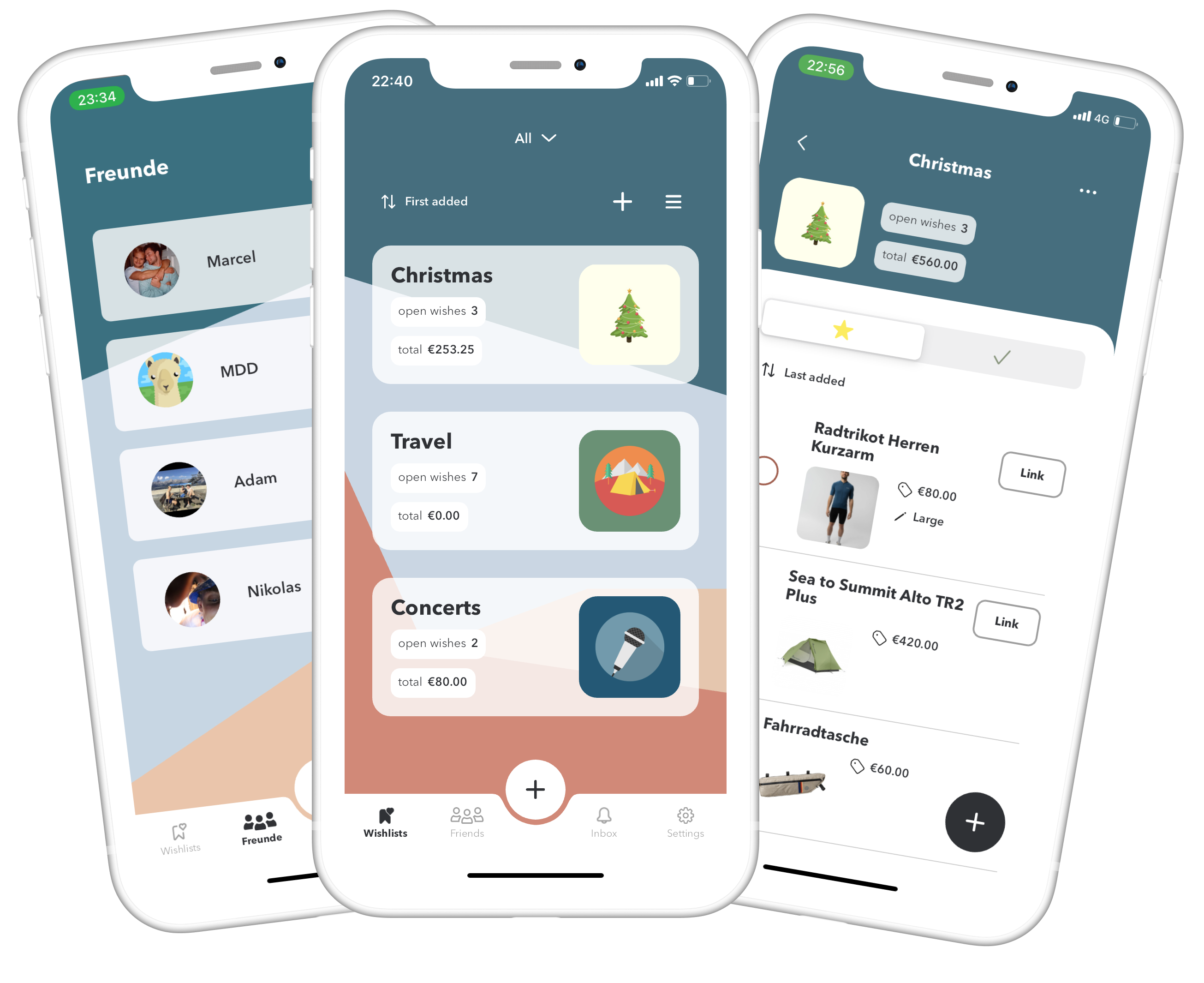
A wish list app can prevent duplicate gifts, but only when everyone can open the list and understand what is already claimed. Compare privacy, reservation, and sharing features before choosing one, rather than assuming every service works the same way.
A useful shortcut is to write down one known preference, one practical constraint, and one reason the choice feels personal. That short list prevents buying something only because it looks attractive online.
Sharing controls
Look for whether a list can be viewed by link, by invite only, or publicly. Choose access controls that match your family’s privacy needs.
Use a known preference or real constraint to narrow the options instead of chasing novelty for its own sake.
Claiming gifts privately
Some tools let gift buyers reserve an item without the recipient seeing who claimed it. Confirm how this works before sharing.
A gift can be inexpensive and still show attention when it solves a problem the person has mentioned.
Multiple occasions
Keeping separate lists for birthdays, weddings, and holidays can prevent old requests from circulating as current wishes.
Think about who will use, store, or care for the result. A gift is easier to enjoy when its practical demands are small.
Account and data concerns
Review what account information the app asks for and whether sharing a list exposes recipient details.
Choose the version that suits the person’s routine and available space, not necessarily the one with the most features.
How to test before inviting family
Try creating a test list with one low-stakes item and ask a friend to open it before inviting everyone to use the system.
A thoughtful selection usually starts with one specific observation rather than a generic list of popular gifts.
A practical checklist
Test whether the recipient sees claimed gifts
Try invite-only sharing before publishing a link
Create a separate list for birthdays
Add size and color details to one example item
Review the service’s requested account permissions
Common questions
Should everyone see who reserved a gift?
It depends on the app and family preference. Test recipient visibility and reservation privacy with a sample item first.
Can a shared list replace a conversation?
Not entirely. A short note about size, color, and alternatives prevents misunderstandings better than a link alone.