How to Play Escape the Backrooms With Friends
Learn how to team up in Escape the Backrooms, use multiplayer communication, and troubleshoot joining sessions across supported platforms.
How to Play Escape the Backrooms With Friends
Escape the Backrooms is built for cooperative play with one to four players, according to its Steam listing. Playing together can make puzzle solving easier, but a poor lobby setup or scattered team can turn a straightforward stage into a frustrating evening. This guide focuses on starting a session and coordinating people, not on solving every level.
Confirm everybody is launching the same game
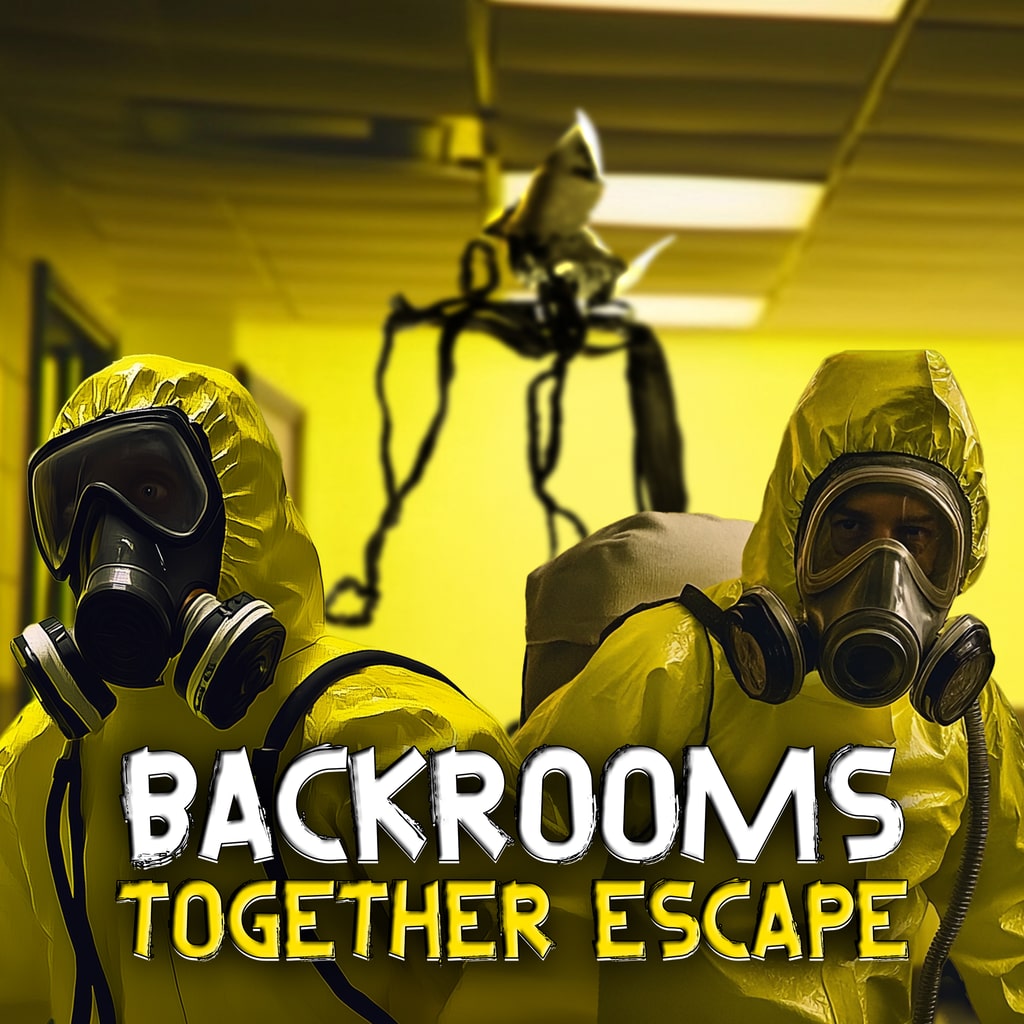
Several Backrooms games have similar names. Before troubleshooting an invitation, confirm that everyone has Escape the Backrooms installed and updated, not a separate game with “Escape Together” in its title. The current Steam listing identifies the game and its supported co-op setup.
Have each person launch the game once, verify the version if the interface shows it, and check that the system meets the listed requirements. Problems caused by mismatched installations will not be fixed by changing in-game puzzle settings.
Creating a session and joining friends
Use the game's multiplayer or lobby interface to establish a session, then invite the intended teammates through the supported platform tools. Menu labels can change, so rely on the current in-game options rather than screenshots from an early-access build. If an invite fails, verify that the host is actually in a joinable lobby and that the invited player has not joined an older session.
For a group, agree who will host and which difficulty or challenge options to use before anyone starts exploring. Repeatedly swapping hosts makes it difficult to tell whether a connection problem was fixed or simply moved.
Communicate as though you share one map
Use short, specific callouts: a room number, a colored panel, an open door, or a distinctive sound. “Come over here” rarely helps players who cannot see the speaker. If the group splits to search, assign clear return points and agree what will trigger a regroup.
Keep voice chat volume balanced with in-game sounds. Horror games often give audio clues for hazards; drowning them out with constant conversation can make an encounter harder. One designated navigator can summarize the objective while another watches for threats.
Crossplay and connection problems
Do not assume that the presence of several multiplayer modes proves cross-platform play. The Steam page confirms PC game availability and co-op, but crossplay across particular devices should be verified in current official platform information before being advertised as a supported feature.
If you cannot join, check online connectivity, restart the invitation from the active lobby, inspect firewall or platform permissions, and confirm both players have updated the game. Test with one friend before inviting a full team; that narrows the cause.
Keep the session enjoyable
Choose a sensible checkpoint goal, share found clues aloud, and make decisions together before triggering a dangerous sequence. A coordinated group can turn the Backrooms from a chaotic chase into a satisfying puzzle-solving experience without spoiling every surprise beforehand.
Frequently asked questions
How many friends can play?
Steam describes Escape the Backrooms as a one-to-four-player cooperative game. The host and players should all use the same current installation.
Does the game definitely support every crossplay combination?
Do not assume that co-op means crossplay between all platforms. Check the current official platform and matchmaking documentation before promising compatibility.