Ring Home Security Systems: How the Parts Work
Ring-brand Alarm/camera/doorbell ecosystem and subscription boundaries. Practical US-English guide with sourced details and clear limitations.
Ring Home Security Systems: How the Parts Work
Information checked: November 1, 2026
A Ring home security setup can combine video doorbells, outdoor cameras and an alarm system, but these products solve different problems. A doorbell helps you see or speak to someone at an entrance; a camera covers another area; an alarm responds to sensors and may offer optional monitoring services. None of those pieces should be represented as a complete safety guarantee. Choose devices by the entrances, power supply, internet coverage and privacy needs of your home.
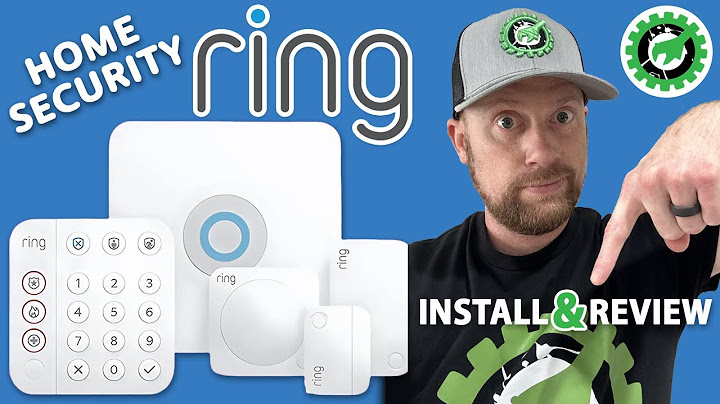
Build around the property, not the product bundle
Begin by identifying the front door, side entrances, driveway and places where someone could enter unnoticed. A camera that looks at a busy road may produce constant irrelevant notifications, whereas a properly positioned doorbell might cover visitors more effectively. Battery cameras reduce wiring work but require charging; hardwired models offer different installation considerations. For a larger home, check Wi-Fi performance at each proposed placement before spending money on multiple devices.
What works without a subscription?
Ring describes live viewing and alerts as available without a recording plan on compatible products. Reviewing stored videos requires a qualifying Ring subscription or trial. Alarm monitoring and advanced video features have separate plan and regional conditions. This means the advertised device price is not necessarily the full cost of the experience. Compare current plan tiers, number of supported devices, and whether cloud retention matches what you expect to need in an incident.
Privacy and account control
A camera may capture neighbors, visitors or workers, so aim devices toward your own property and follow applicable privacy rules. Enable strong unique credentials and multi-factor authentication, review shared access, and remove people who no longer need footage. A shared user should have their own invite rather than the owner's login. Consider how to handle recordings containing sensitive moments, and download only the clips you legitimately need before their retention period expires.
Alarm, camera and notification trade-offs
An alarm's usefulness depends on sensor placement, arming habits and the response options in your location. Cameras depend on connectivity and power, so a failure of Wi-Fi or a depleted battery can limit coverage. Test the system after installation and periodically afterward. Configure meaningful motion zones and alerts to reduce fatigue. A visible device can deter some incidents but cannot replace doors, locks, lighting or an emergency plan.
Planning checklist
Map entrances and available power or charging access.
Test Wi-Fi where cameras will actually be installed.
Compare monthly recording and monitoring costs.
Set privacy boundaries and shared-user permissions.
Frequently asked questions
Does Ring record video without a subscription?
Ring says a qualifying plan or trial is required for cloud recordings; live video and basic alerts may still work without one.
Is Ring Alarm the same as a Ring camera?
No. Alarm systems use sensors and arming modes, while cameras capture live video and supported recordings.
Can several family members see cameras?
Yes, with appropriately configured shared permissions. Avoid distributing the main account password.
Related reading
For a focused follow-up, see Ring Outdoor Wireless Cameras; How Long Does Ring Save Videos? Storage and Expiration; Ring Camera Security.