How to Write a Video Script for an AI-Generated Video
Build a concise hook, scene list, spoken script, visual actions, and a realistic timing plan before generating short AI video shots.
How to Write a Video Script for an AI-Generated Video
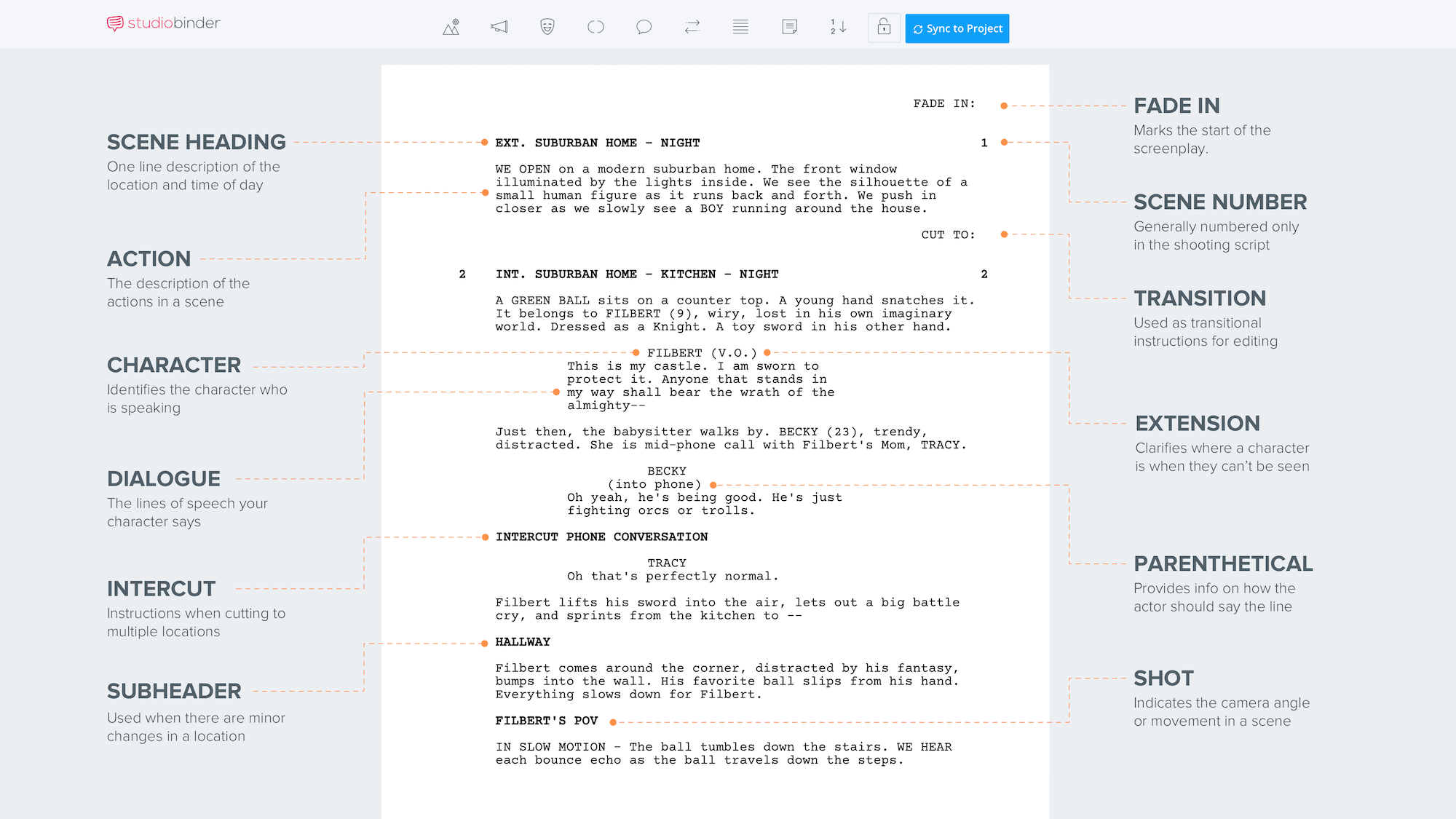
A good AI video script describes what the audience will learn and what can actually appear on screen. It does not need screenwriting jargon, but it does need a hook, a coherent sequence and concrete images. This method turns a rough message into a script that a generator, narrator and human editor can all follow without guessing at the same scene.
Define the audience and one message
Start with one audience and one outcome. 'New gardeners can label seedlings without mixing up varieties' is stronger than 'everything you need to know about gardening.' Write the single sentence you want viewers to remember at the end. List the facts you can verify and the claims you are not authorized to make. If a service or product is involved, pull only from approved descriptions, not imagined benefits. Choose a useful tone—calm, playful, instructional—and avoid changing it halfway through. A clear brief prevents the generator from inventing unrelated scenes to fill time.
Choose a 15-, 30- or 60-second story arc
A 15-second script needs a hook, one demonstration and a closing line. A 30-second version can include a problem, two visual beats and a takeaway. At 60 seconds, add context only if each extra scene answers a question. Spoken delivery speeds vary: read the script aloud with a stopwatch rather than assuming an exact words-per-minute formula fits every narrator. Leave breathing room for visual comprehension and captions. If the concept requires six complicated actions, it is probably too crowded for a 15-second clip. Shorter scripts often benefit from removing claims rather than speaking faster.
Write a hook people can understand instantly
Put a concrete observation in the first sentence: 'The labels on these two seed trays look identical.' The viewer can immediately see the problem. Replace vague openings like 'In today's rapidly changing world' with an image and a question. For a product video, be careful with 'best,' 'guaranteed' or measured performance claims unless verified. A hook should invite attention without promising a result the footage cannot support. Write a second version of the opening with a different visual idea and compare both for clarity. If the audience cannot tell what is happening with sound off, revise the opening composition.
Split narration into visual scene beats
Make a two-column plan: what viewers hear and what they see. For example, narration: 'Write the plant name before planting.' Visual: a hand labels a blank stake on a clean work surface. Narration: 'Place it at the front of the tray.' Visual: a marked stake enters the soil. This avoids narrating one topic while the video shows unrelated stock footage. Keep each scene a small, observable action. Use exact wording for titles and claims in the script, then add them later as editor text. Mark any shot that must be recorded rather than generated to preserve accuracy.
Write scenes the generator can actually show
The most generation-friendly scene descriptions have one subject, one action and one camera plan. 'Close shot of a marker writing BASIL on a white label, camera fixed' is testable, although AI tools may still render text badly; a practical workaround is to film that shot or add the letters in post. Avoid a scene like 'a gardener plants ten species, teaches a class and reveals the future of urban farming in one shot.' If you need a sequence, split it. Repeat critical visual references across scenes and reserve realistic demonstrations for actions you can verify independently.
Example script for a short explainer
Example 30-second explainer: 0–4 seconds, an unmarked seed tray and the hook 'Which row was basil?'; 4–12 seconds, a blank marker stake beside the tray with narration 'Label before you sow'; 12–23 seconds, the stake moves to the front of a row and narration 'Keep names where you can see them'; 23–30 seconds, a clean finished tray and the takeaway 'A ten-second habit saves confusion later.' Use real footage for any written label you need to read. A sample is a starting point, not a claim that AI can accurately write every word on a seed marker.
Revise for timing, captions and clarity
Read the full script at its intended pace. Cut any phrase that repeats the image instead of adding information. Break long sentences where subtitles would become a wall of text, and mark proper nouns so captions can be checked. Make an audio-free review: does the sequence still convey the main idea? Then test a narrated version. If a generated shot does not express its assigned beat, replace or simplify that beat instead of changing the entire script. Keep the approved text and source facts locked when making visual edits to reduce accidental claim drift.
A practical example to adapt
Copyable script worksheet: Audience: [who]. One outcome: [what they will know]. Hook visual: [what is visibly happening]. Beat 1: narration + single visual action. Beat 2: narration + single visual action. Close: one grounded next step. Restricted claims: [what must not be invented]. Export: [ratio, approximate duration, captions].
Frequently asked questions
How long should a 30-second script be?
It depends on pacing and pauses. Time a read-through and leave room for visuals rather than relying on a fixed word count.
Can I put the script directly into a video generator?
Yes, as planning input, but separate it into shot prompts and verify that the generated images match the narration.
What makes a good AI video scene?
A clearly visible subject doing one simple action within a specified setting and camera frame.
Related guides
product video production brief template
getting started with Invideo AI